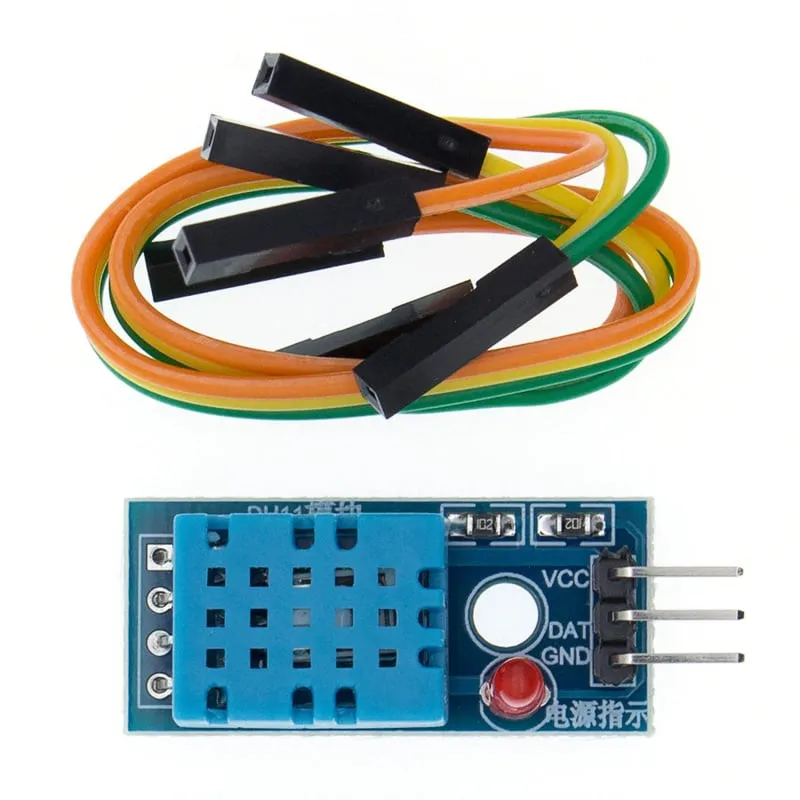
SKU: OT714-D61 Numer artykułu: AB058 EAN: 8756742620748

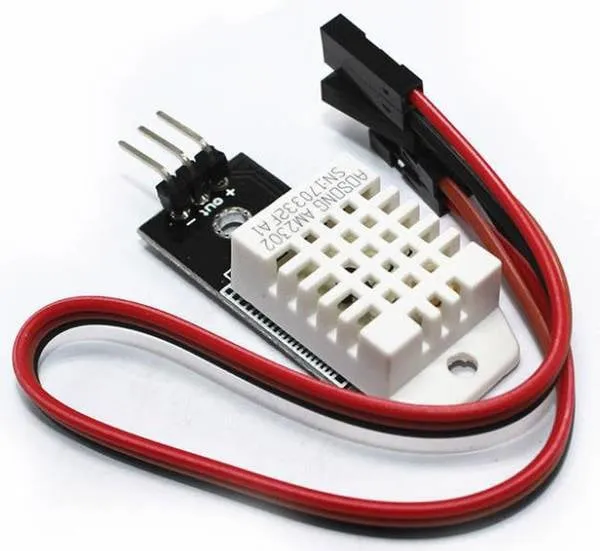
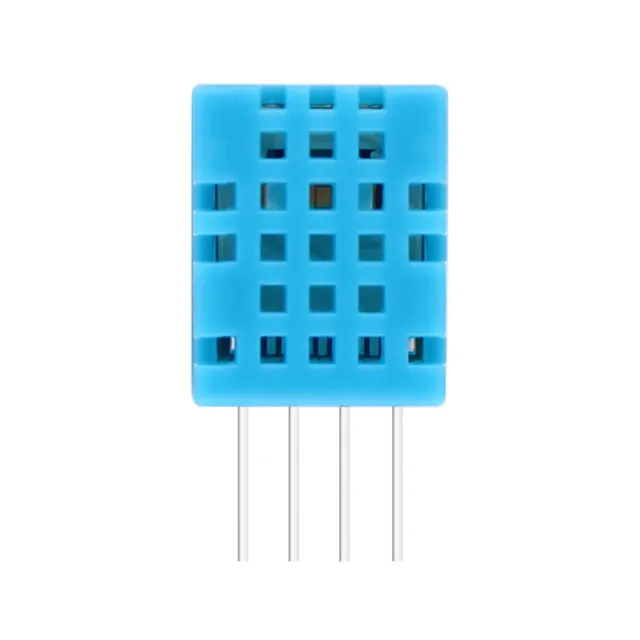
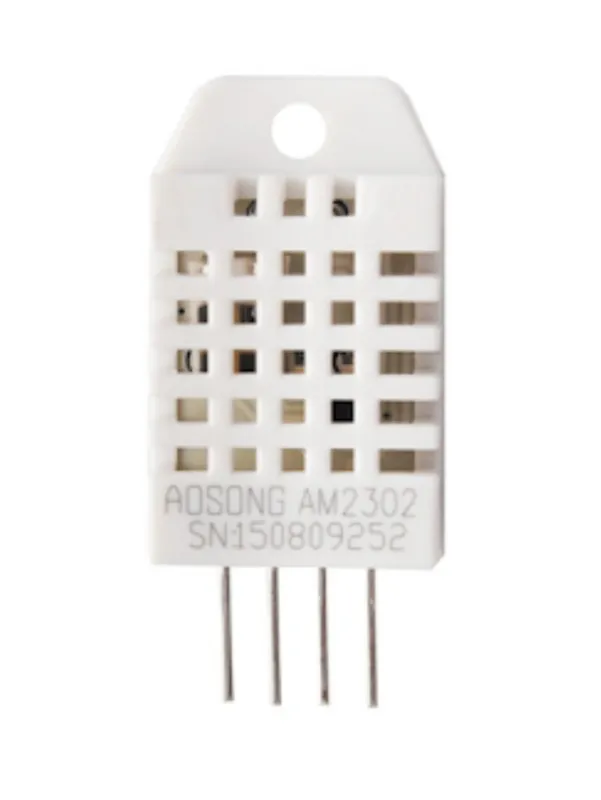
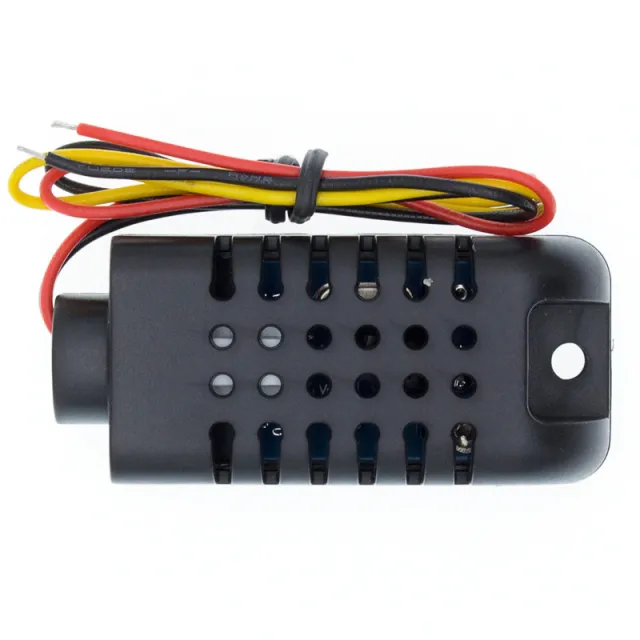
To mniejsza i nieco mniej dokładna wersja DHT22. Czujnik mierzy zarówno temperaturę, jak i wilgotność.
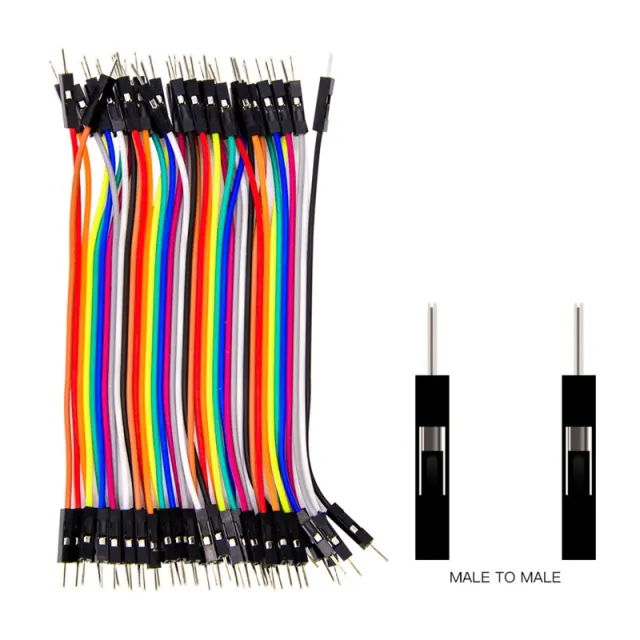
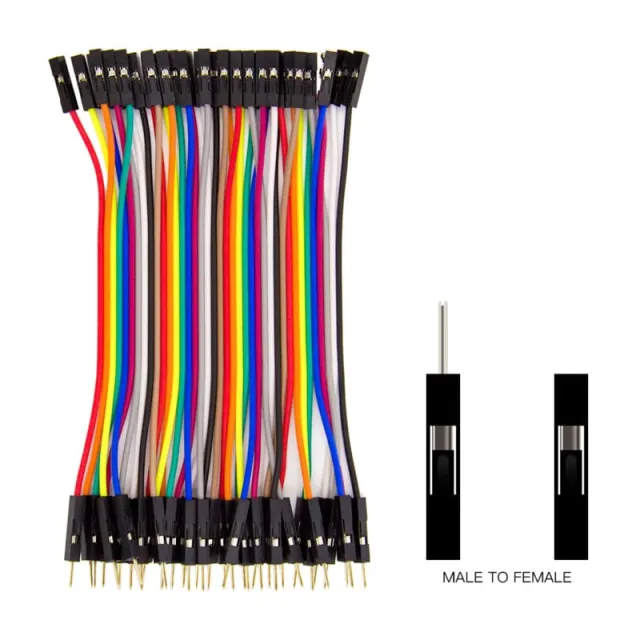
Moduł odpowiedni do breadboardu i kabelków dupont (w zestawie)
Zakres pomiaru temperatury wynosi od 0 do 50 stopni Celsjusza.
Dokładność +/- 2 stopnie
Zasilanie: 3.3v do 6v
W zestawie kabelki dupont
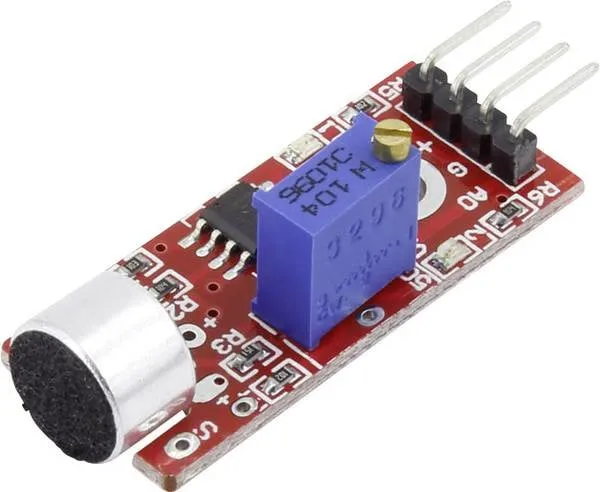
Wskaźnik LED
Wymiary
Długość: 3,1cm
Szerokość: 1,44cm
Wysokość: 0,75cm
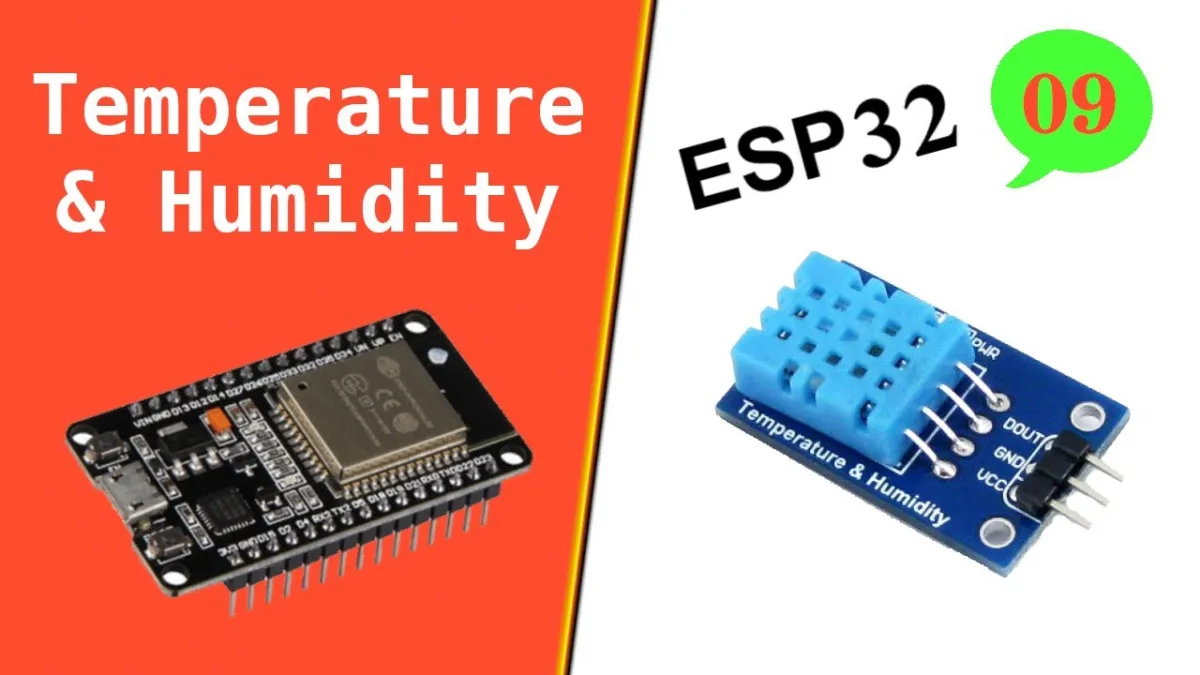
Odtworzenie spowoduje załadowanie filmu z YouTube.
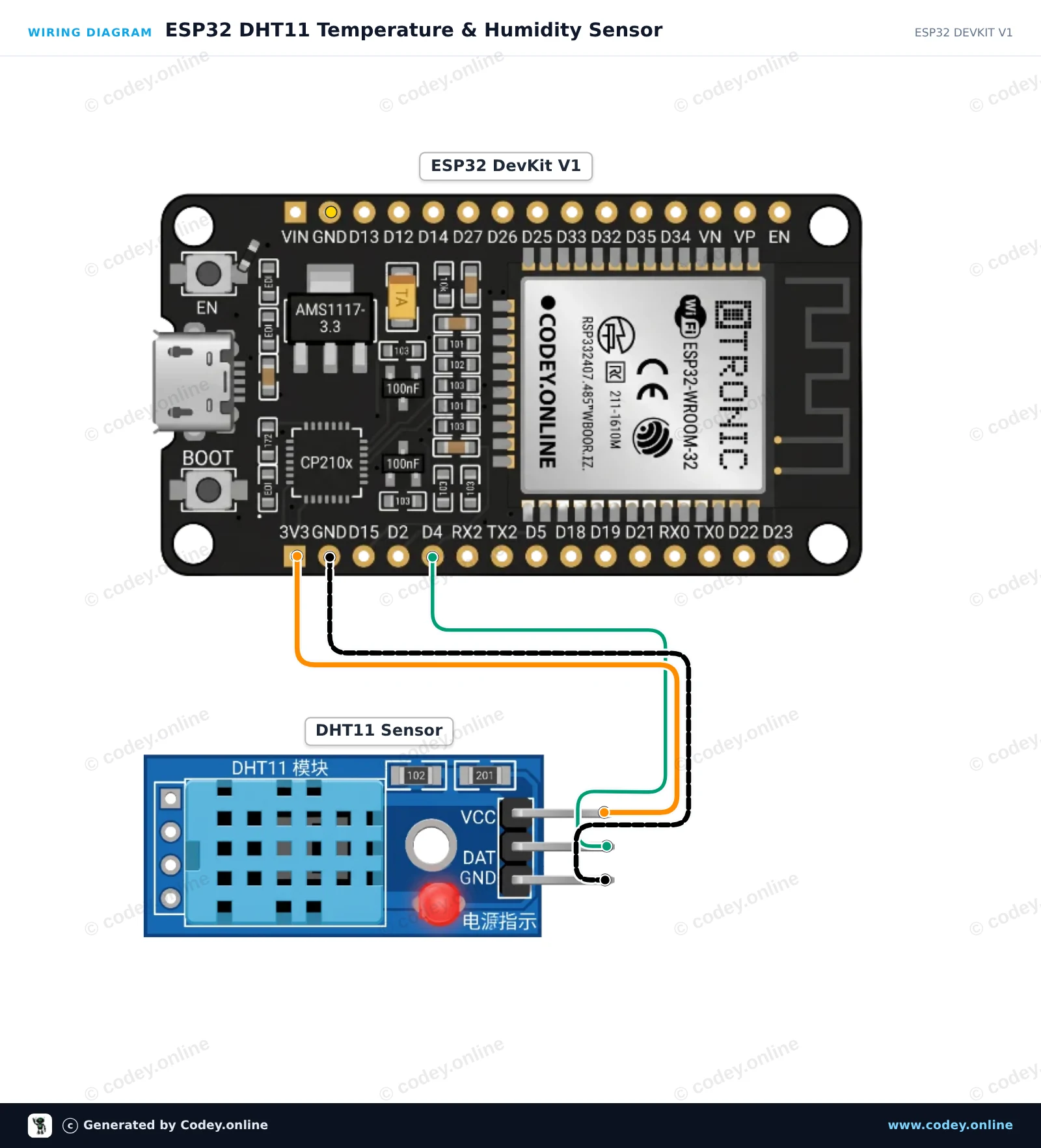
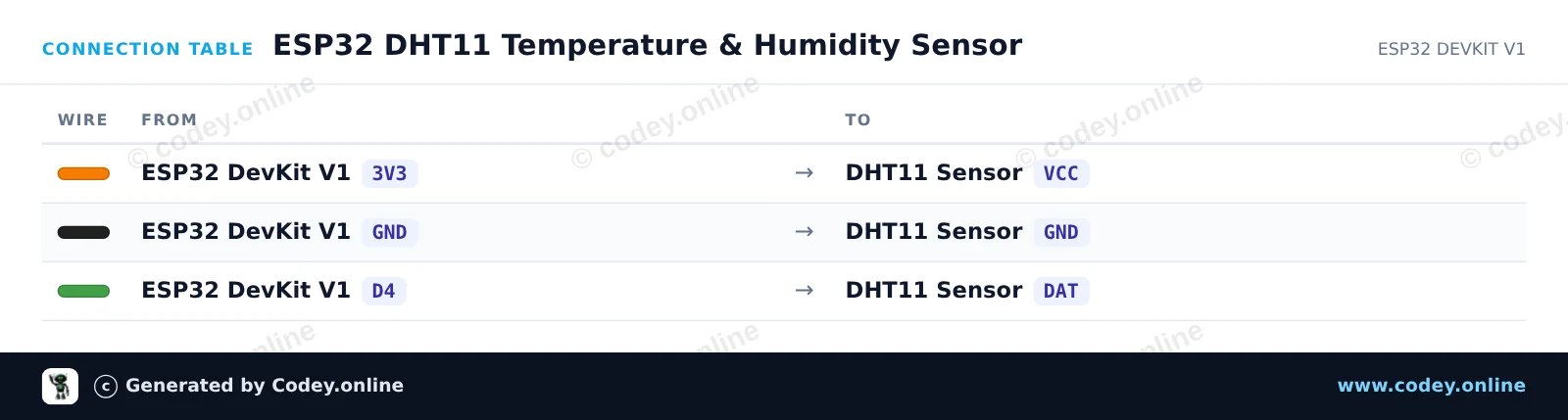
Tak podłączysz Czujnik temperatury i wilgotności 2 w 1| moduł DHT11 do Arduino do Arduino UNO lub ESP32, z przykładowym szkicem, który możesz od razu wgrać.
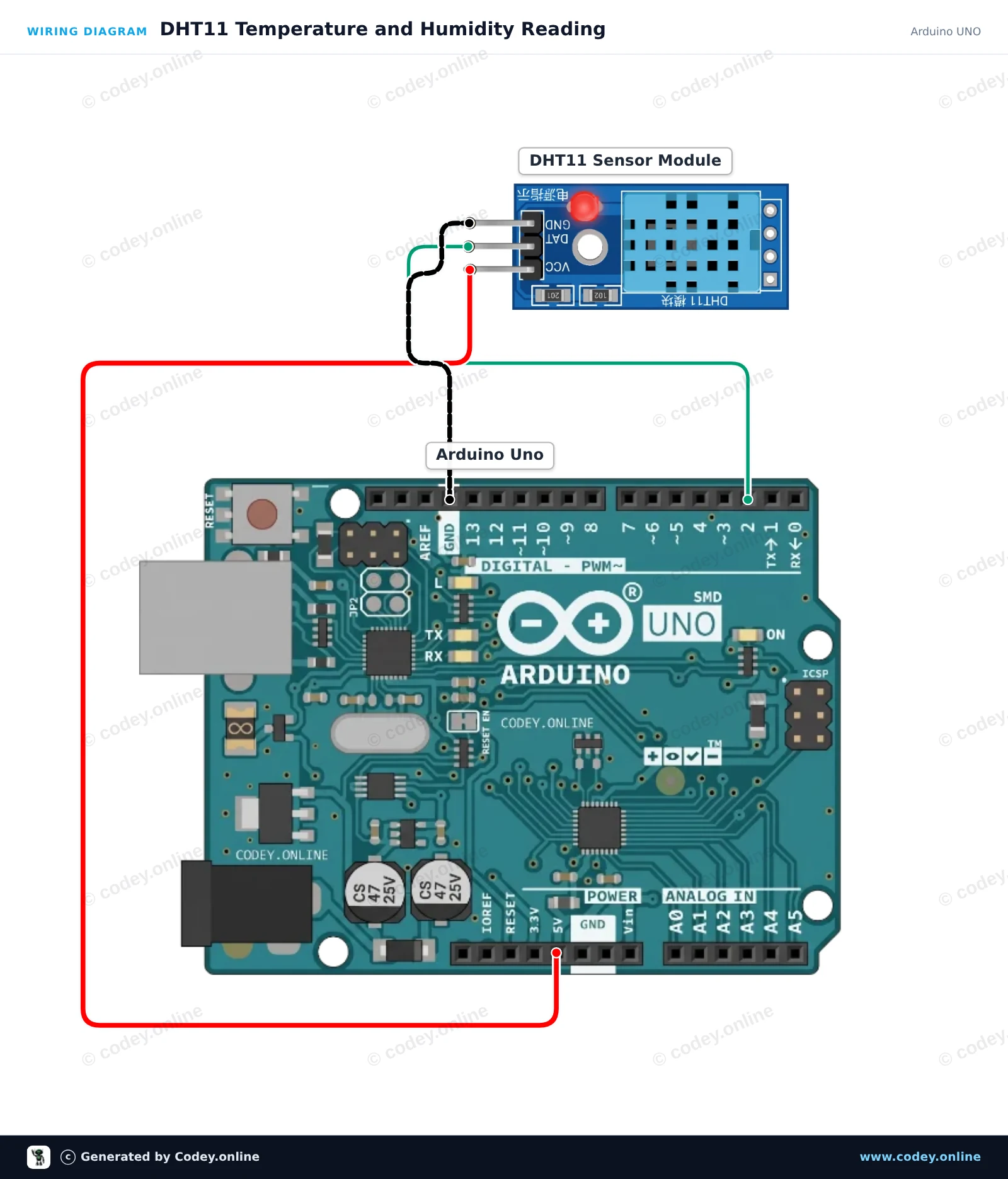
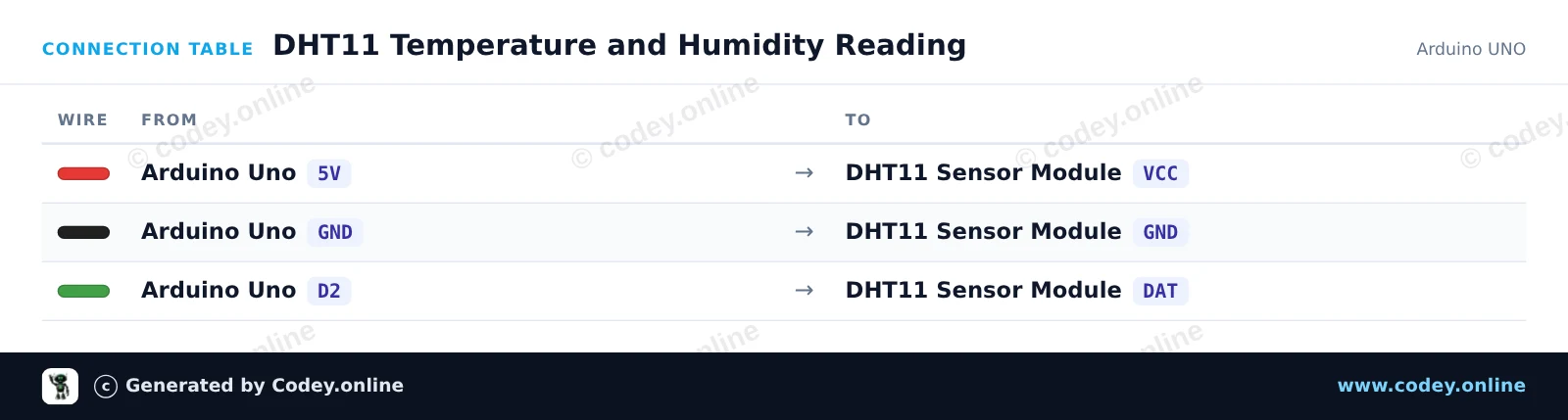
Ten projekt odczytuje dane temperatury i wilgotności z modułu czujnika DHT11 i wyświetla pomiary w Monitorze szeregowym co dwie sekundy. Wystarczy podłączyć moduł bezpośrednio do 5V, GND i cyfrowego pinu 2 Twojego Arduino Uno.
/*
 * ==================================================================
 *  Generated by Codey.online  —  https://www.codey.online
 * ==================================================================
 *  Project   : DHT11 Temperature and Humidity Reading
 *  Board     : Arduino UNO (arduino:avr:uno)
 *  Parts     : DHT11 Sensor Module
 *  Libraries : DHT sensor library 1.4.7
 *
 *  Codey Online is an AI-powered browser IDE for Arduino and ESP32.
 *  Describe your project and Codey writes the code, draws the wiring
 *  diagram and uploads it to your board, straight from the browser.
 *  This code is free to use, modify and share, without warranty.
 * ==================================================================
 */

#include <DHT.h>

#define DHTPIN 2
#define DHTTYPE DHT11

DHT dht(DHTPIN, DHTTYPE);

void setup() {
  Serial.begin(115200);
  while (!Serial);
  Serial.println(F("DHT11 Sensor Demo"));
  dht.begin();
}

void loop() {
  // DHT11 sample rate is up to 1 reading every 2 seconds
  delay(2000);

  float humidity = dht.readHumidity();
  float temperature = dht.readTemperature();

  if (isnan(humidity) || isnan(temperature)) {
    Serial.println(F("Failed to read from DHT11 sensor!"));
    return;
  }

  Serial.print(F("Humidity: "));
  Serial.print(humidity, 1);
  Serial.print(F("%  |  Temperature: "));
  Serial.print(temperature, 1);
  Serial.println(F("°C"));
}Wymagane biblioteki: DHT sensor library 1.4.7
Wiring diagram and example code generated by Codey.online — https://www.codey.online
Ten projekt odczytuje temperaturę otoczenia i wilgotność względną za pomocą modułu czujnika DHT11 podłączonego do ESP32. Wartości z czujnika są próbkowane co 2 sekundy i wyświetlane bezpośrednio w Serial Monitor z prędkością 115200 baud. To łatwy sposób, aby sprawdzić, czy czujnik DHT11 działa poprawnie.
/*
 * ==================================================================
 *  Generated by Codey.online  —  https://www.codey.online
 * ==================================================================
 *  Project   : ESP32 DHT11 Temperature & Humidity Sensor
 *  Board     : ESP32 DEVKIT V1 (esp32:esp32:esp32doit-devkit-v1)
 *  Parts     : DHT11 Sensor Module
 *  Libraries : DHT sensor library 1.4.7
 *
 *  Codey Online is an AI-powered browser IDE for Arduino and ESP32.
 *  Describe your project and Codey writes the code, draws the wiring
 *  diagram and uploads it to your board, straight from the browser.
 *  This code is free to use, modify and share, without warranty.
 * ==================================================================
 */

#include "DHT.h"

#define DHTPIN 4
#define DHTTYPE DHT11

DHT dht(DHTPIN, DHTTYPE);

void setup() {
  Serial.begin(115200);
  Serial.println("DHT11 Sensor Demo");

  dht.begin();
}

void loop() {
  delay(2000);

  float humidity = dht.readHumidity();
  float temperature = dht.readTemperature();

  if (isnan(humidity) || isnan(temperature)) {
    Serial.println("Failed to read from DHT sensor!");
    return;
  }

  Serial.print("Humidity: ");
  Serial.print(humidity);
  Serial.print(" %  |  Temperature: ");
  Serial.print(temperature);
  Serial.println(" °C");
}Wymagane biblioteki: DHT sensor library 1.4.7
Wiring diagram and example code generated by Codey.online — https://www.codey.online







 English
  Nederlands
  Frans
Frans  Deutsch
  Italiano
  Español
  Suomi
Suomi  Dansk
Dansk  Ελληνικά
  Български
  Čeština
  Hrvatski
  Aileen